

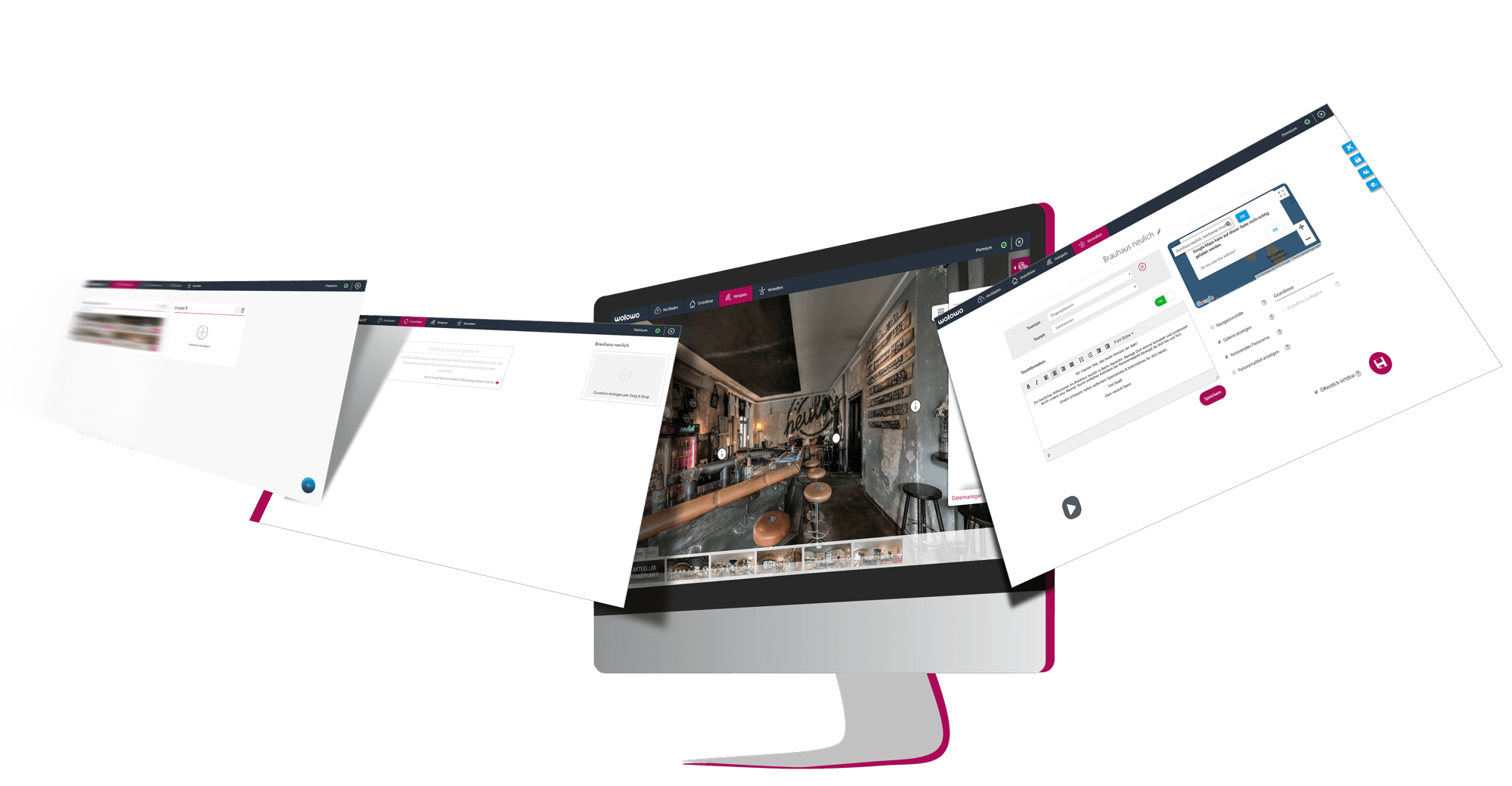
The Tour Generator is the heart of the online platform. Via the User Dashboard you can create a new virtual tour and edit it in four simple steps using the Tour Generator. Find out how it works here:
-
The Four Steps ...
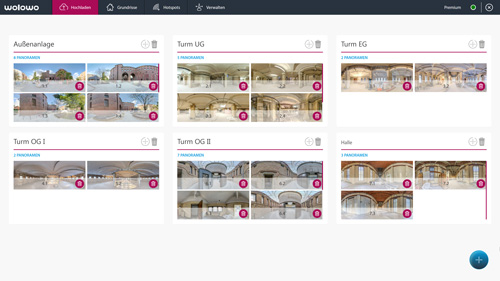
-

Protection and privacy
The protection of your personal data is of particular concern to us. Decide for yourself who can see your virtual tour.
more

Others
Every tour with high image quality, contact details and extensive statistics.
more

Navigation
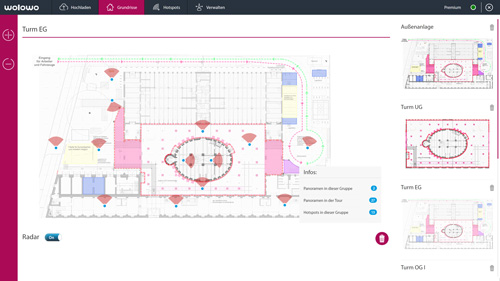
Use floor plans in your virtual tour for easy orientation.
more
Protection & Privacy
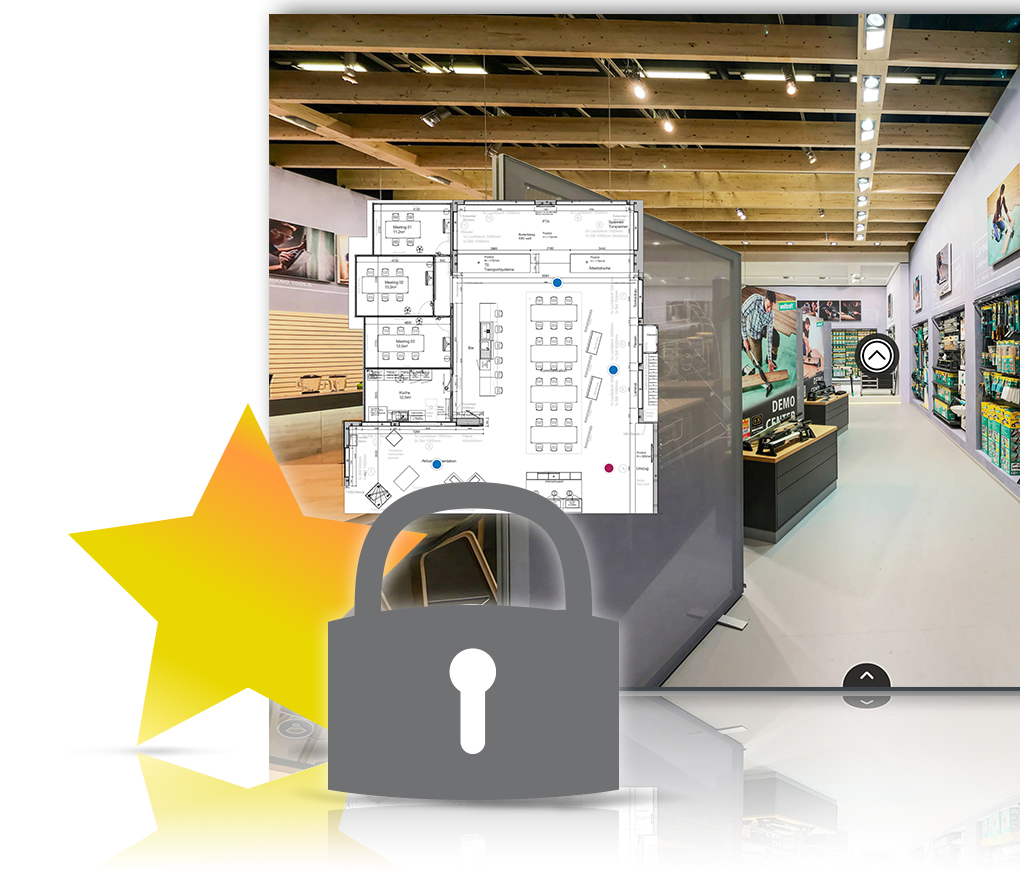
Choose your own password for each premium tour and keep full control over access to your virtual tours. Share the password with your friends and business partners to give them access to your tour.
Wolowo is completely SSL-encrypted. Thus we guarantee full protection for all personal data.

Others
Panoramas are displayed in high resolution with up to 10,000 x 5,000 pixels. Panoramas with a higher resolution are adjusted accordingly. This guarantees high quality and short loading times.
Manage several addresses in the contact manager and select the appropriate contact person for each tour. This person will be displayed in the tour and connects your customer directly to the right address.
- the amount of all accesses
- the amount of live accesses (online)
- devices used
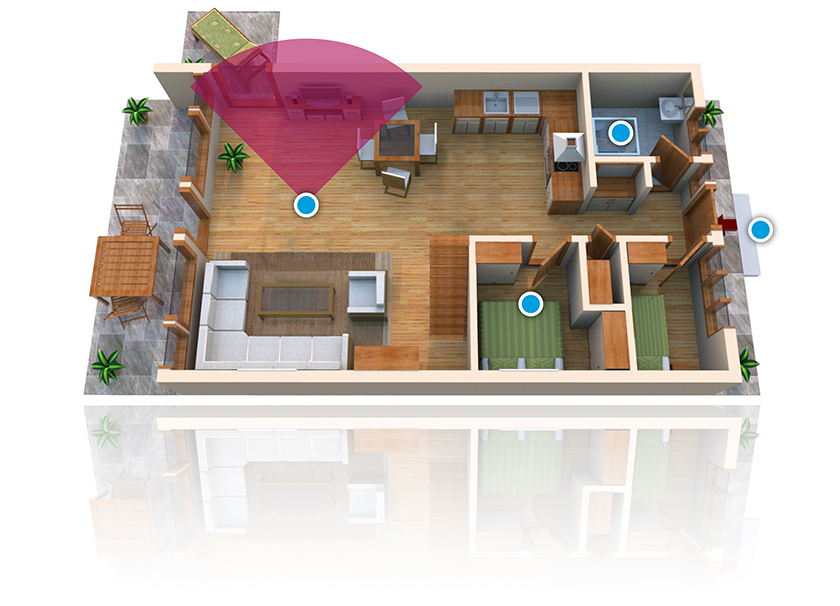
Navigation
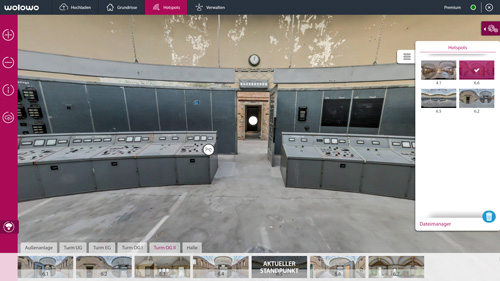
Integrate floor plans, set hotspots and link the respective panoramas in your tour. So the visitor always knows where he is and which panoramas he has already visited.
With the Tour Generator it is very easy to calibrate the radar of each panorama. So the visitor can see his direction of view on the floor plan.
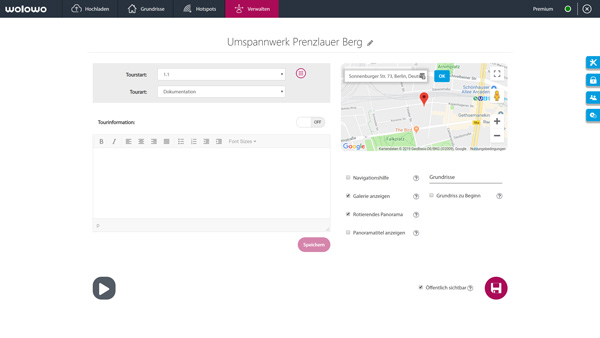
Show where your location is with an integrated map.
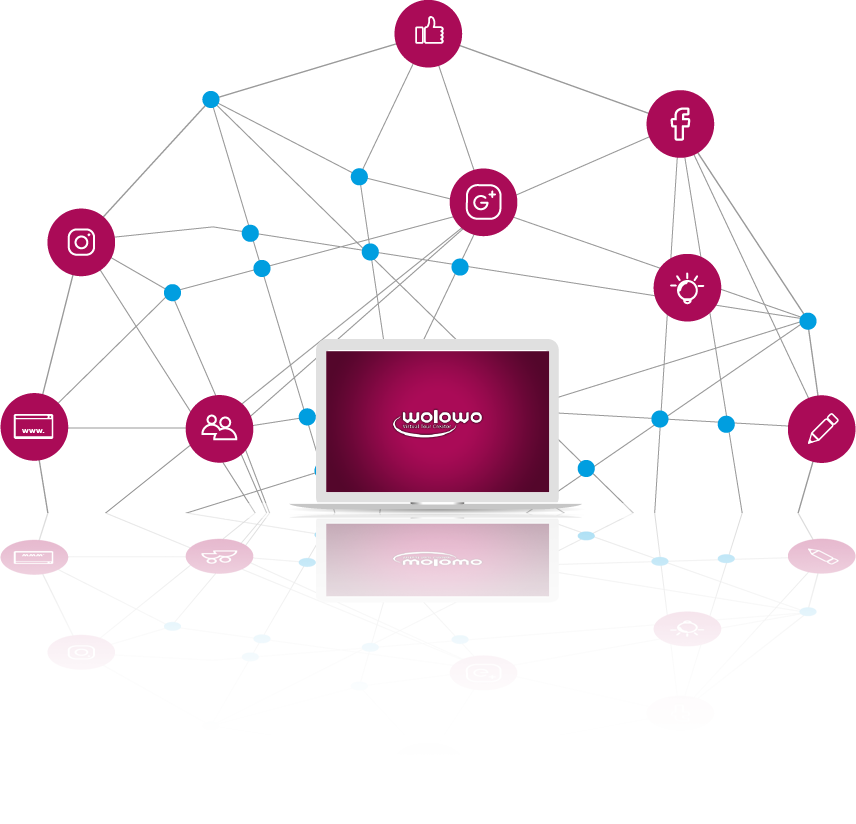
Easy Sharing
Link your wolowo account to your social media profiles and share your tour with just one click.
- Preview: The virtual tour opens in a new tab.
- iFrame: The virtual tour is embedded into the website
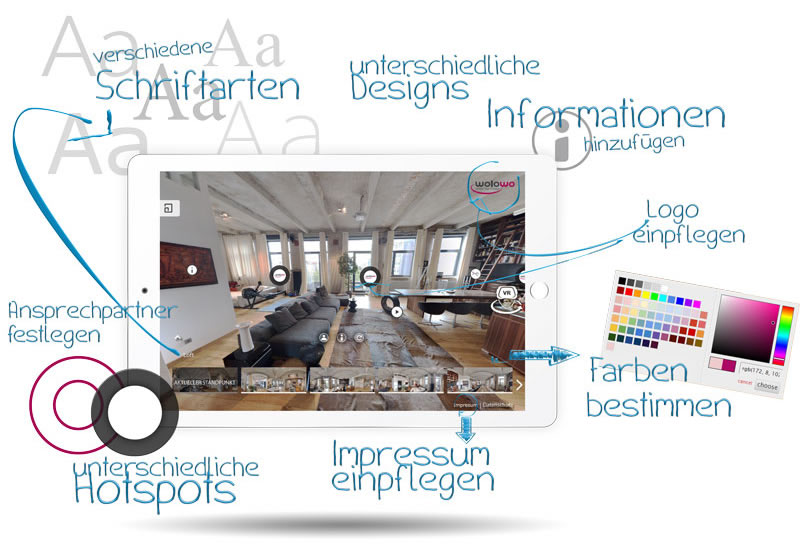
Personalize your tour
Personalize your tour by using your own logo in the Tour Viewer.
Choose between different music styles as background music for your tour. The selected background music creates the right atmosphere for the visitor.
Choose from different designs, colors and font styles and customize your tour to suit your business or personal preferences.
- Welcome visitors with an individual welcome message
- Add an exposé to the tour in PDF format
- Provide additional information about the tour or your company
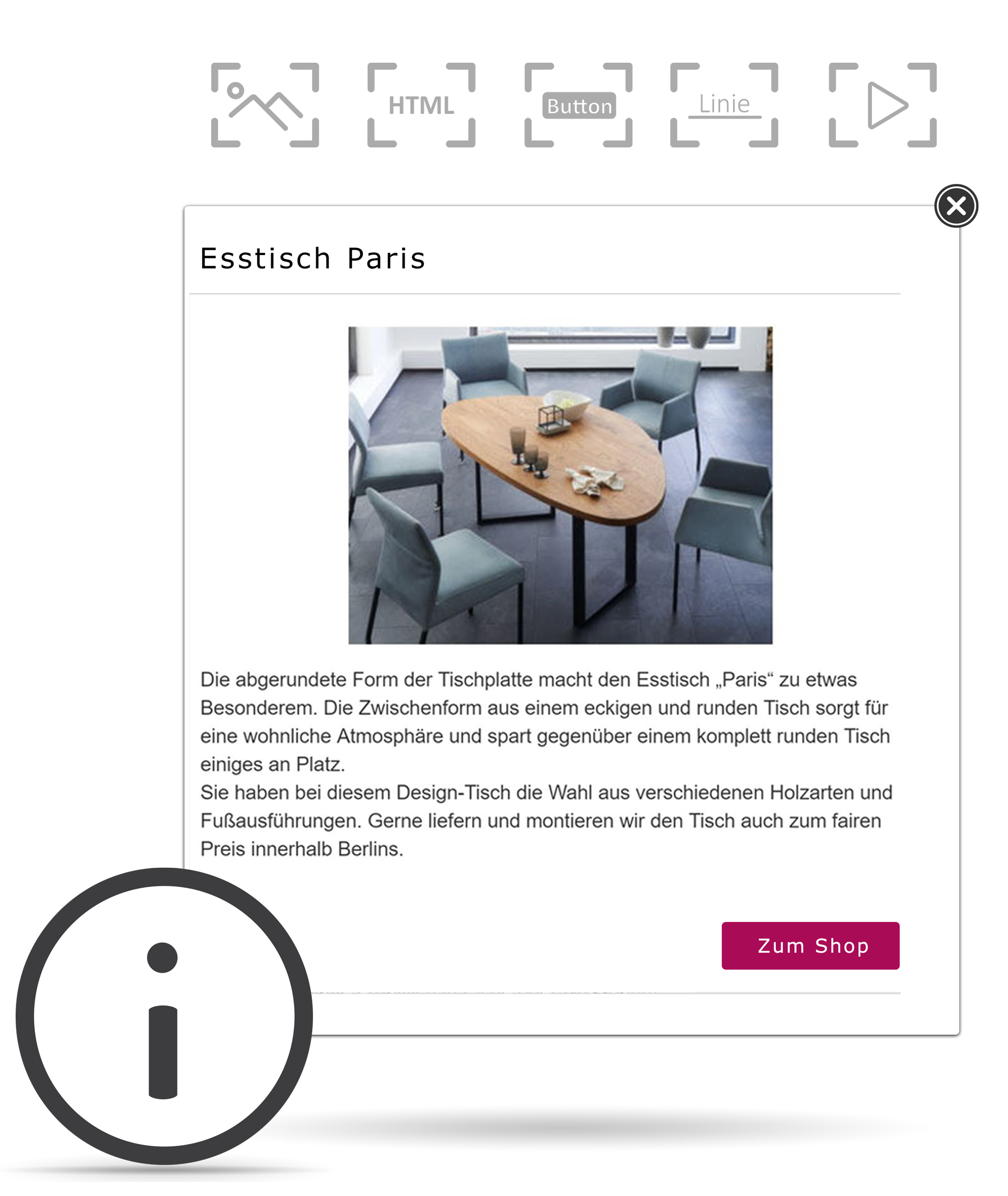
Media and more
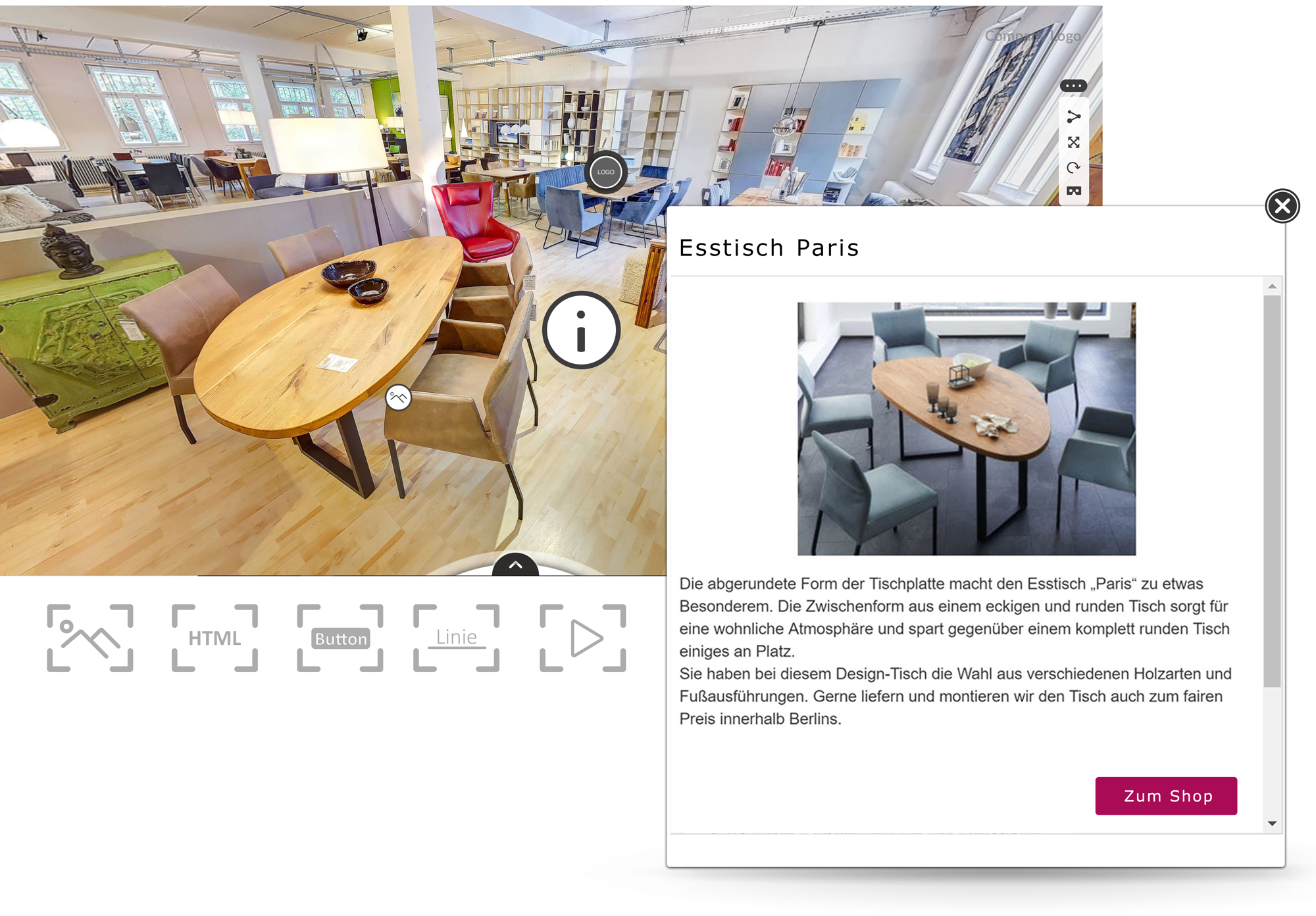
With the InfoSpot-Editor you can place further content in your virtual tour.
Decorate your tour with numerous pictures and sound files. Whether more content really looks better is up to you.
With the file manager you always keep track of your uploads. Integration of picture and sound files via MediaSpot and InfoSpot has never been easier.
-
FREE
Upload up to 5 panoramas per week
With advertising
-
Panoramas with max. 10,000 x 5,000 px
Uploads with a higher resolution are adjusted accordingly
-
Insert floor plans
Add floor plans and set panorama hotspots
-
Info Hotspots
Add texts, links and YouTube videos
-
Media-Hotspots
Insert a maximum of 50 MB of additional media
-
Easy Sharing
Share your tour on social media with just a few clicks
-
wolowo logo in the tour
The wolowo logo is displayed at the bottom of the panorama and in the Tour Viewer.
-
Public mode
All free tours are publicly listed
FREE
PREMIUM
Turn your Free Tour into a Premium Tour and benefit from additional features
100
from 12 € CREDITS
The limit of 5 panorama uploads per week only applies to Free Tours. You can upgrade a Free Tour to a Premium Tour at any time. Afterwards, all Premium features will be available for that tour.
The Credit System
BUY MORE, SAVE MORE!
For the Premium Tour upgrade you need enough credits on your account. Book your credits for a single premium tour or benefit from discounted prices when purchasing one of our credit packages.
100
19,90 € = 1 Tour500
89,90 € = 5 Tours1000
159,90 € = 10 Tours5000
599,90 € = 50 Tours
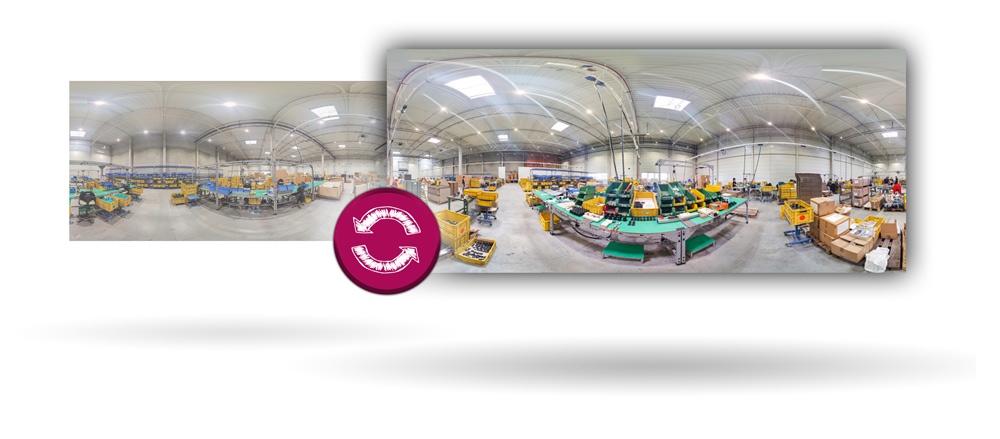
Replace panorama
EASY EXCHANGE, SMALL PRICE!
If you want to add or exchange panoramas afterwards, we charge 20 credits per panorama. All hotspots and settings will be kept during the exchange. You can delete individual panoramas at any time and free of charge.
-

Social media
SHARE YOUR TOUR ON FACEBOOK, GOOGLE AND CO